Skip table of contents

Getting Started with VDK Studio

Startup

First, access our Vivoka Console!

To access VDK Studio, click the Open VDK Studio button in your projects section on the console's main page.

It opens a new Tab in your browser with your selected project loaded. You can bookmark the homepage of the studio to reach it quicker next time !

What if I don’t see “Open VDK Studio button”? Expand our quick solution below depending on your situation. By now, you should have a project with contractual access to our VDK Studio, even for evaluation purposes.

I don't see my project

If you requested a project through the console, you should see this green checkmark on the “Submit your first Project” step:
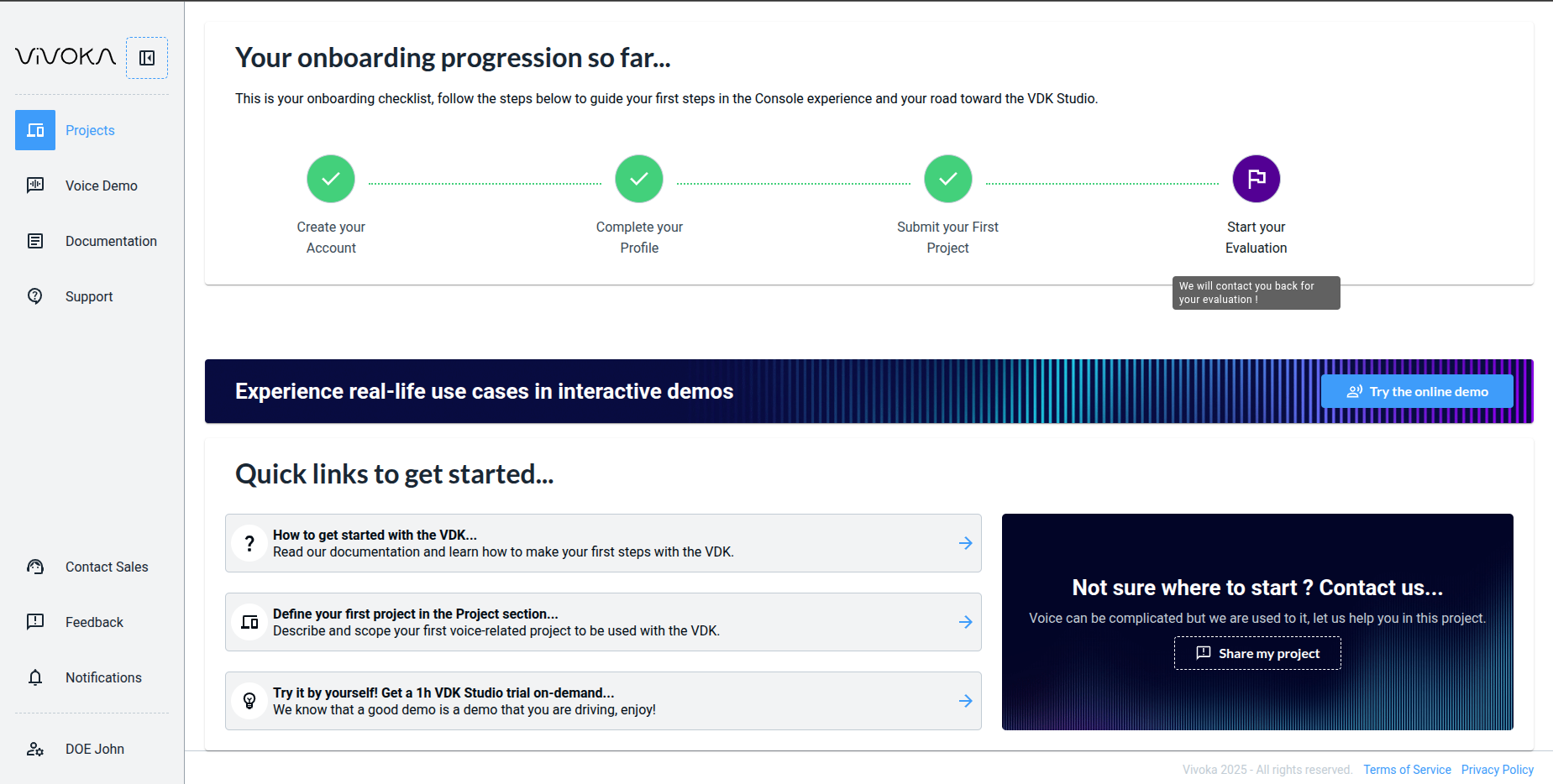
image-20251118-150412.png

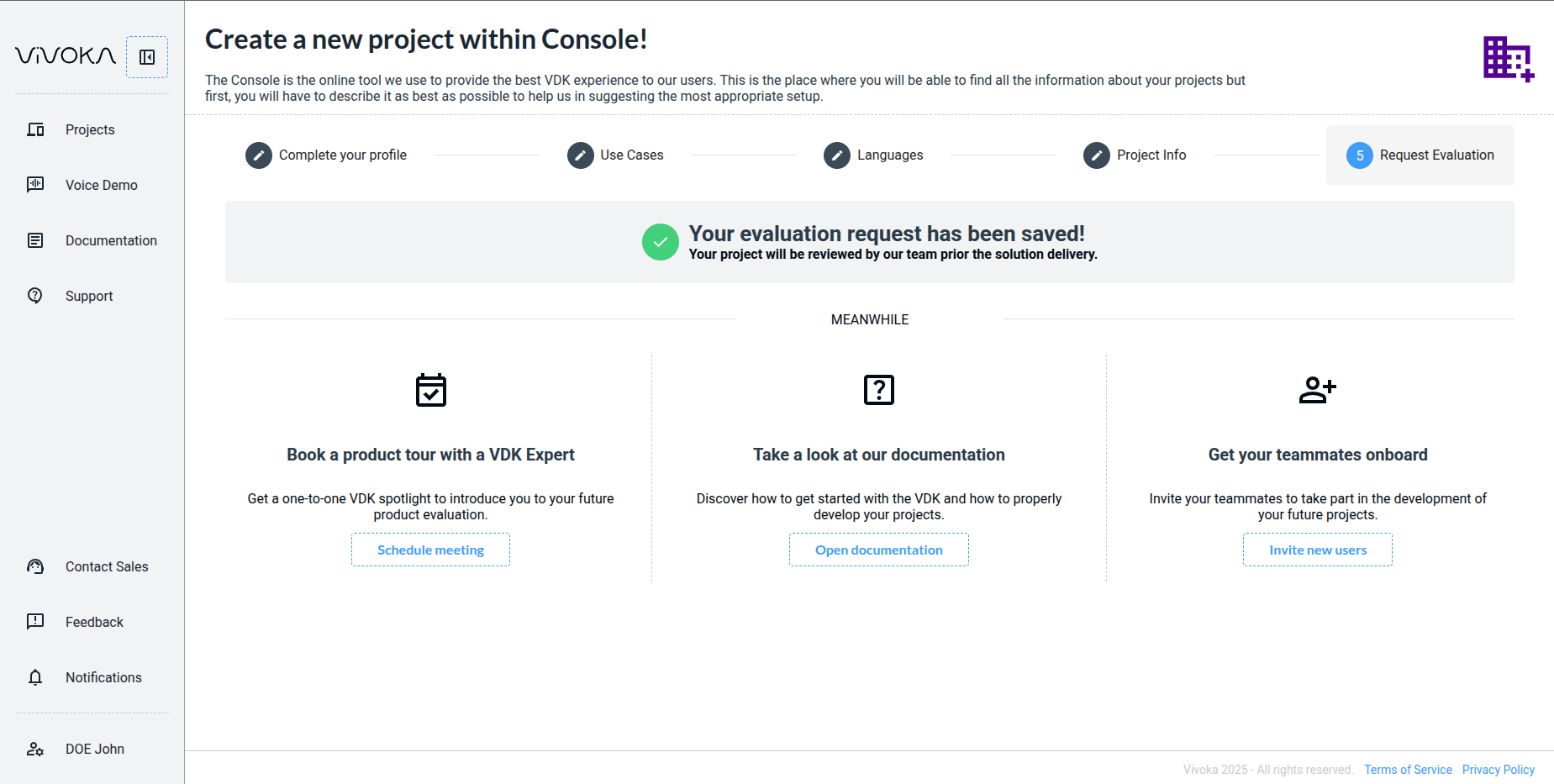
It means that your demand has been received and will be treated.

Studio web access is limited by B2B contracts, even during evaluation. It’s free but bound by legal terms. Once your project is approved and you receive email notification, you’ll see it in the same place, like this:
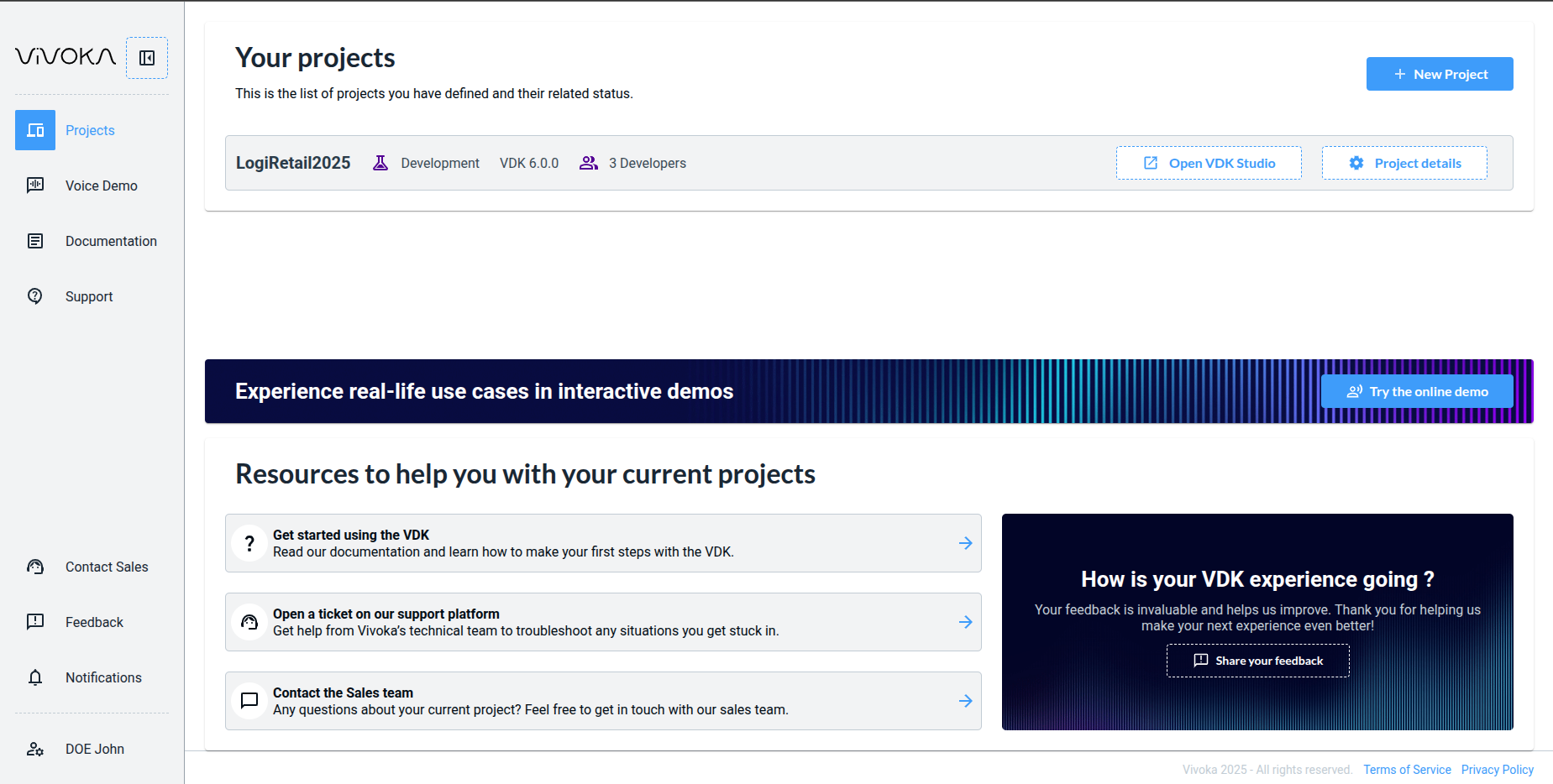
image-20251118-151658.png

Here is your project ready to work with

I don't have a project yet

To create your project, you can use the dedicated page to fill your project requirements. You can find this form in in this page of our console.
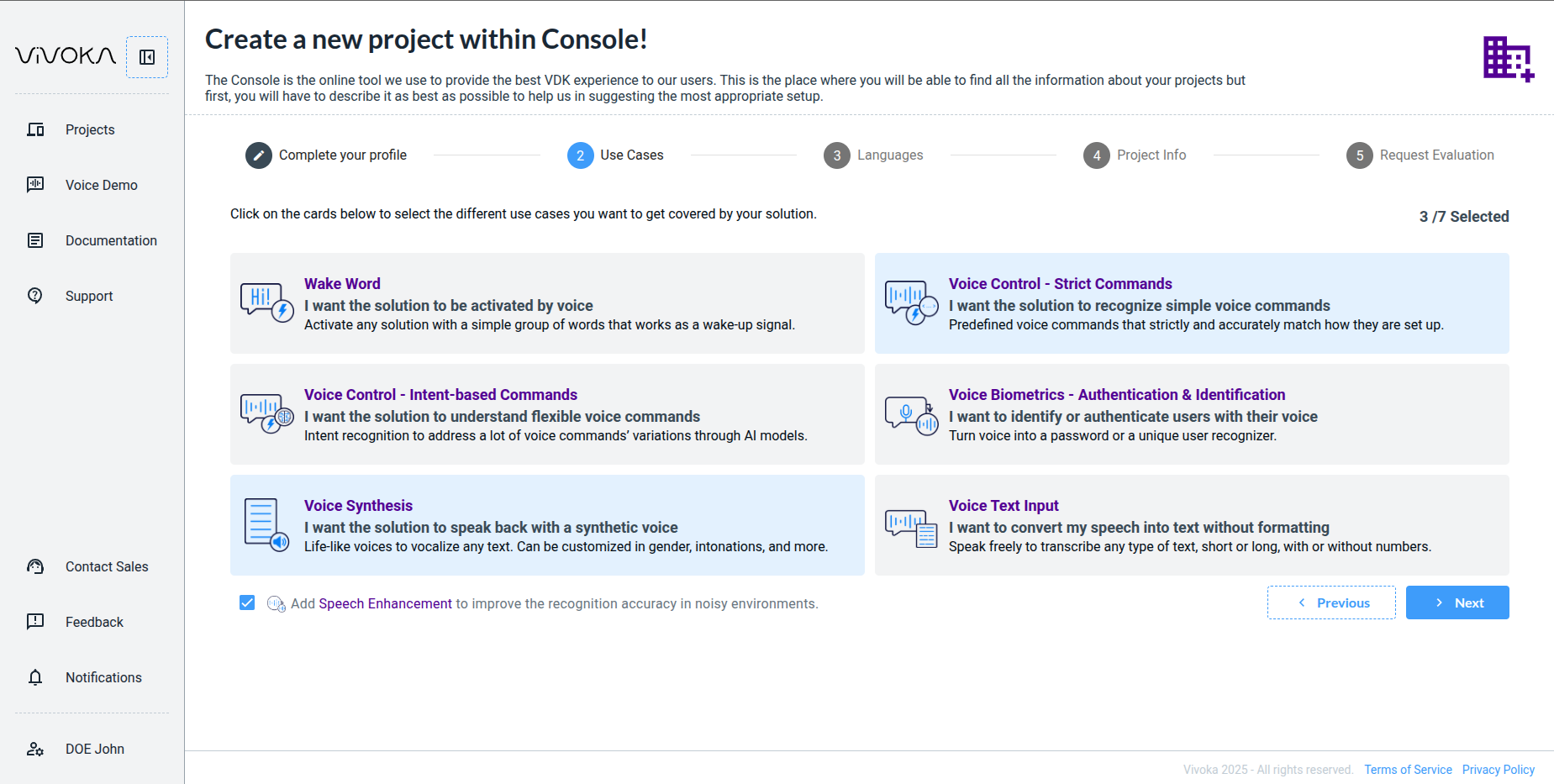
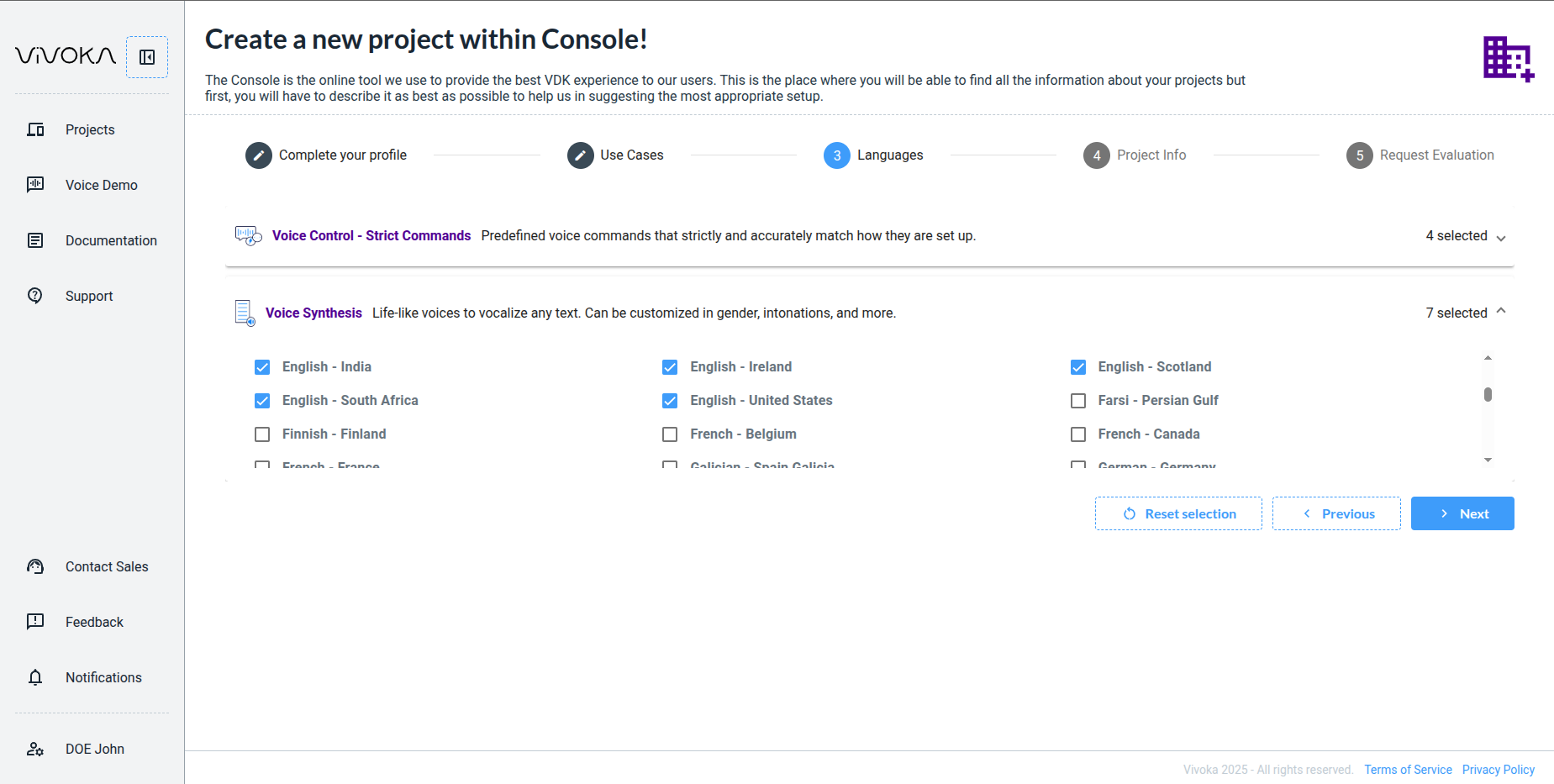
image-20251118-142417.png

First select the technologies you might need in your project.

image-20251118-142642.png

Then choose associated languages to those technologies.

image-20251118-145351.png

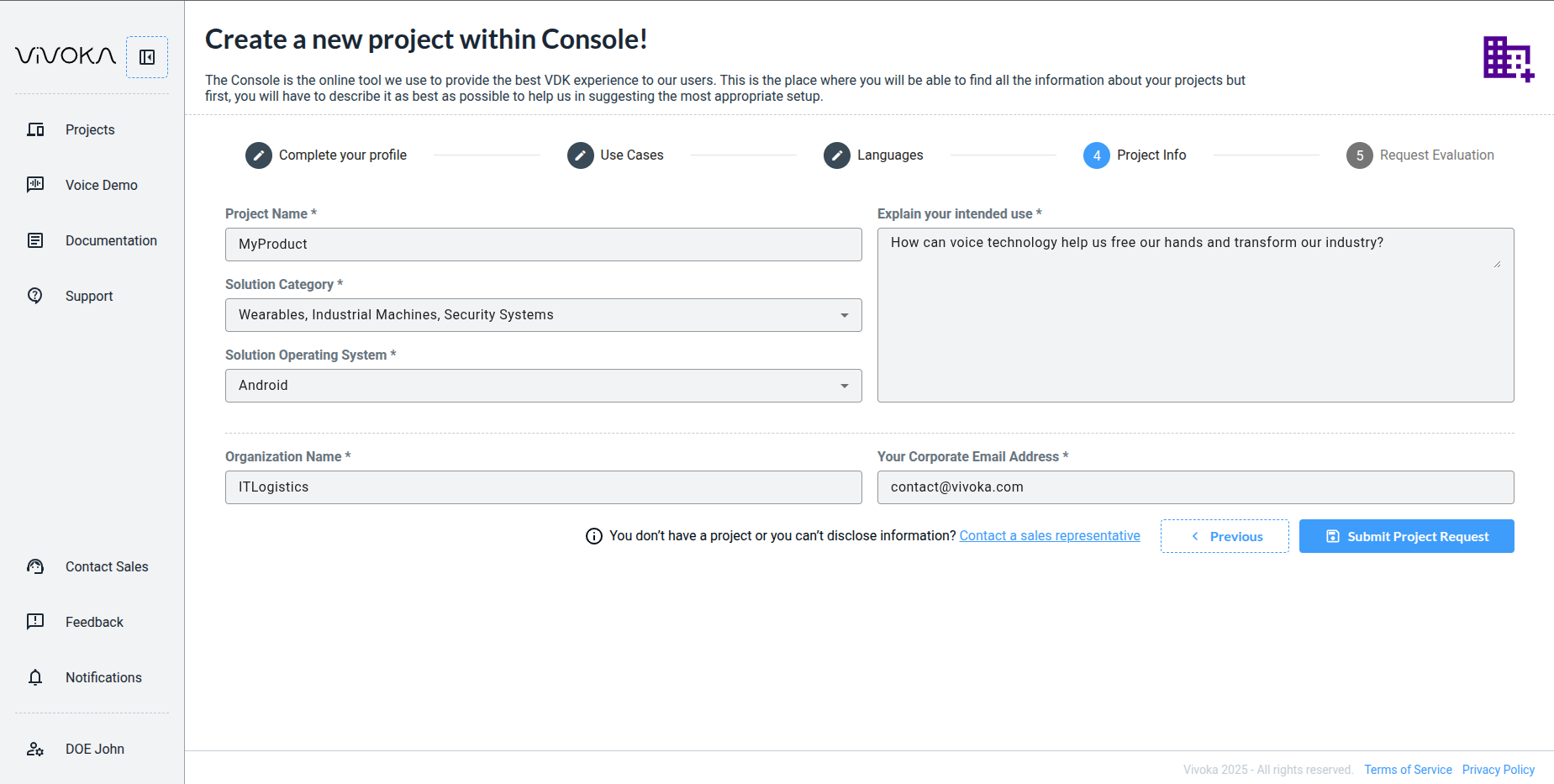
Then fill your last project information in order for our sales team to understand the purpose of your demand.

image-20251118-145510.png

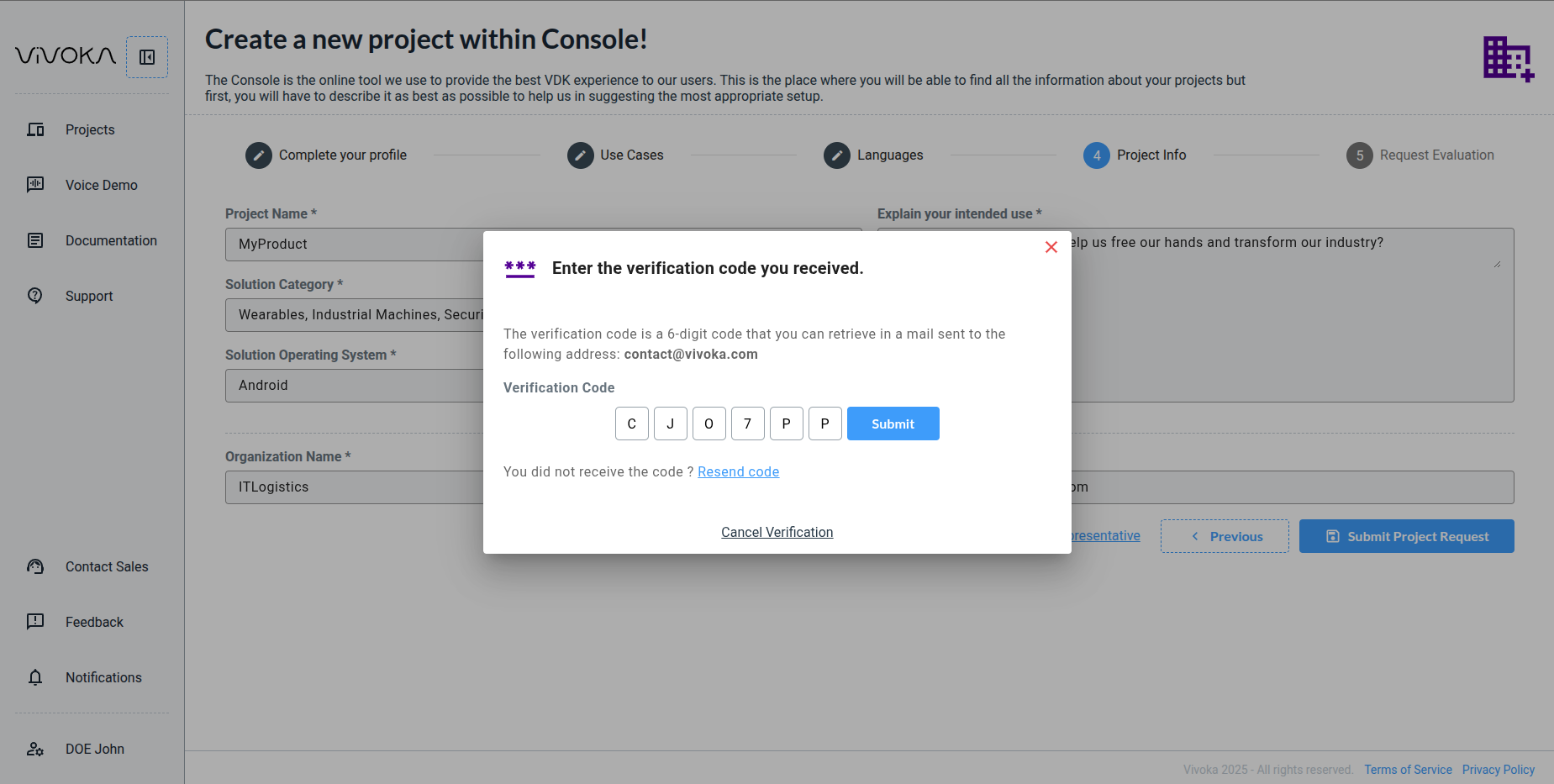
Fill the form with the code you receive in order to verity you are represent a real company, and not a bot.

image-20251118-145523.png

Our sales team will contact you to open your project to our technologies

Contact the sales team

Contact our sales team to skip the project form. Reach us directly from this starting point.

Discover VDK-Studio Web fondamentals

Discover VDK-Studio Web based on your needs

JavaScript errors detected

Please note, these errors can depend on your browser setup.

If this problem persists, please contact our support.