

What can I achieve with the VDK Studio Web?
As a product owner or developer, you will use VDK Studio primarily for four purposes:
-
Learn voice interactions – understand the capabilities, boundaries, and what’s possible.
-
Browse and configure interactions – our Widgets (pages dedicated to playing and adjusting key parameters) to create ready-to-use Models.
-
Verify models – ensure your prepared models meet production requirements by running Unit Tests.
-
Deploy models – download your models for your target production OS and start integrating these technologies into your product!
Your project as a workspace
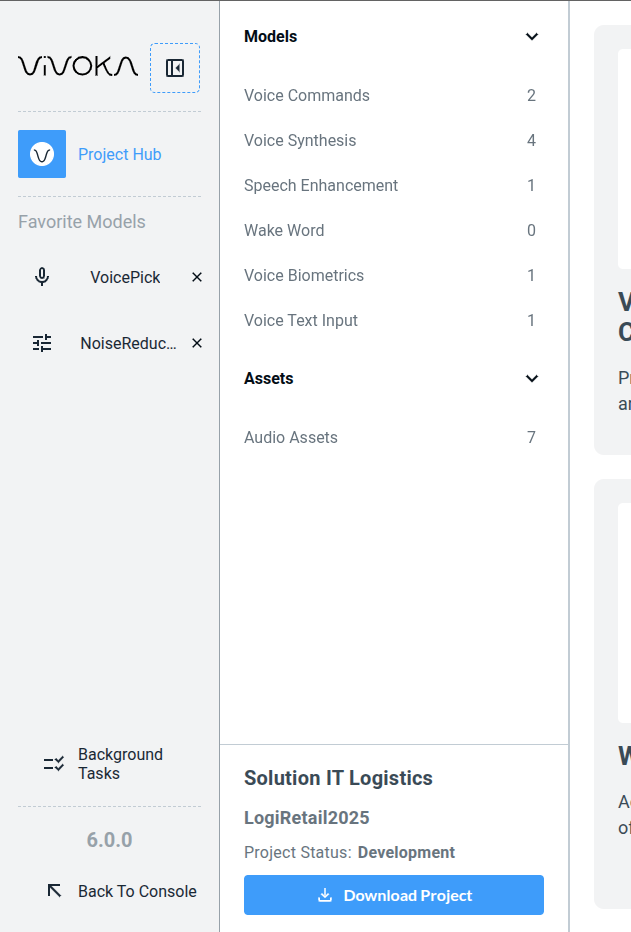
Your project serves as a central space where you can access your previous work and audio files. The entry point of this workspace is called the Project Hub. See our documentation about the Project Hub to explore this key feature of VDK-Studio Web.
Getting Started with VDK Studio