

What’s New?
-
Channel configuration is no longer required.
-
All voices now share a single “master” channel.
-
Built-in SSML helpers for easier markup writing.
-
Ability to test voices directly while browsing.
Key elements
Overview
-
Browsing voices
The interface for selecting and filtering voices has been redesigned for better usability.
-
Testing voices
We added helpers for SSML writing and we allowed testing while browsing.
-
Adding voices
Add voices to your project as before.
Where to find them?
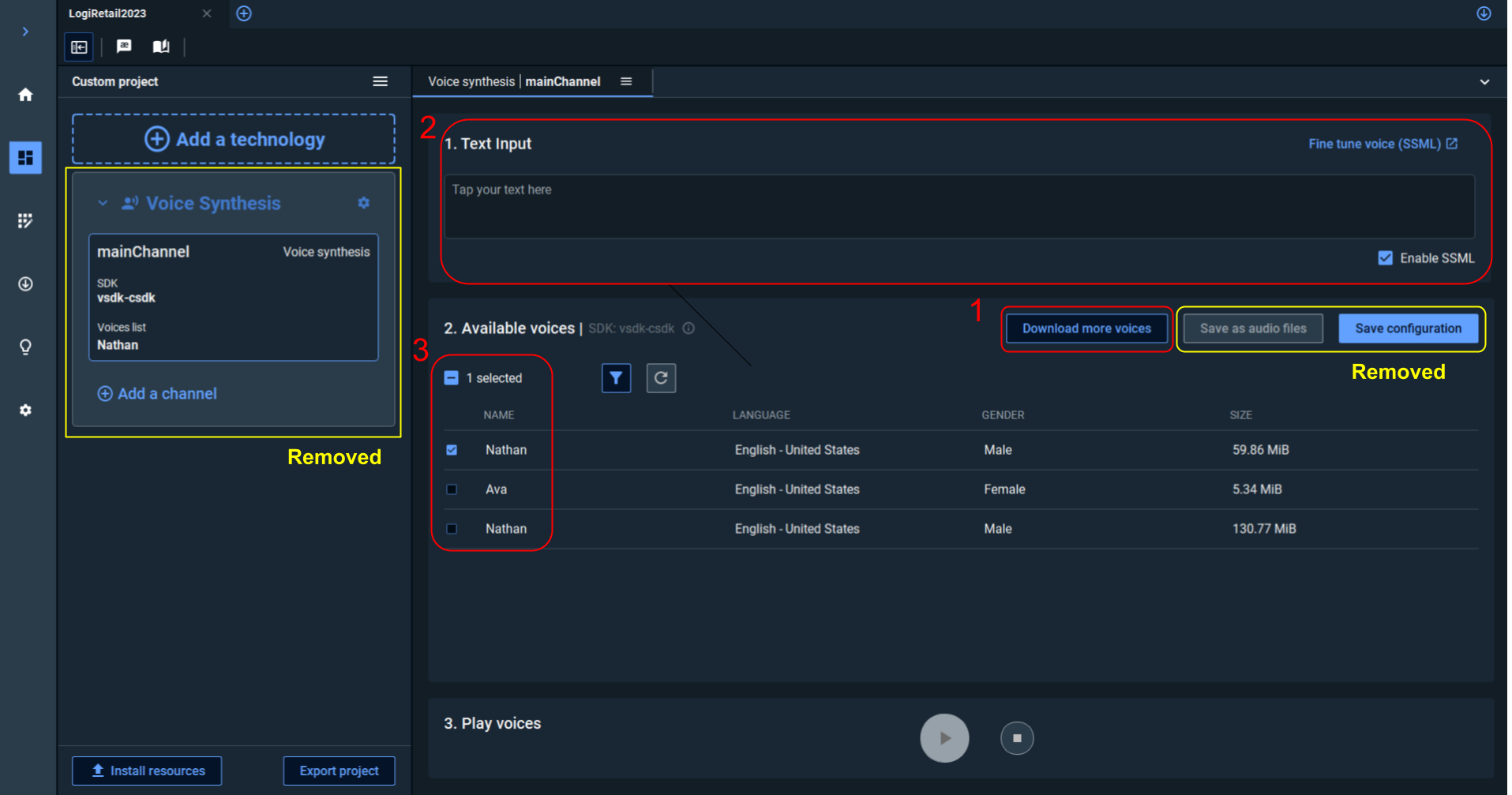
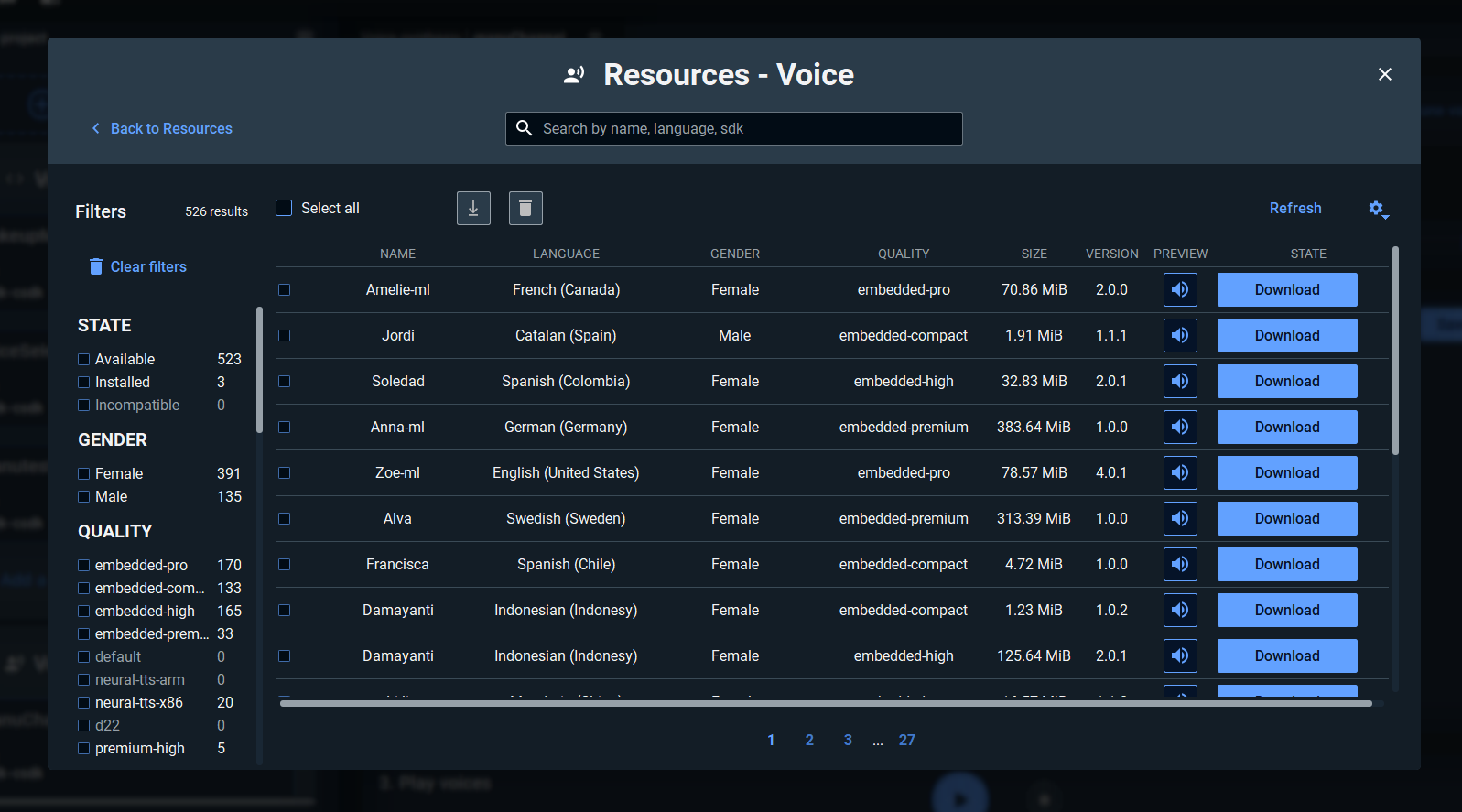
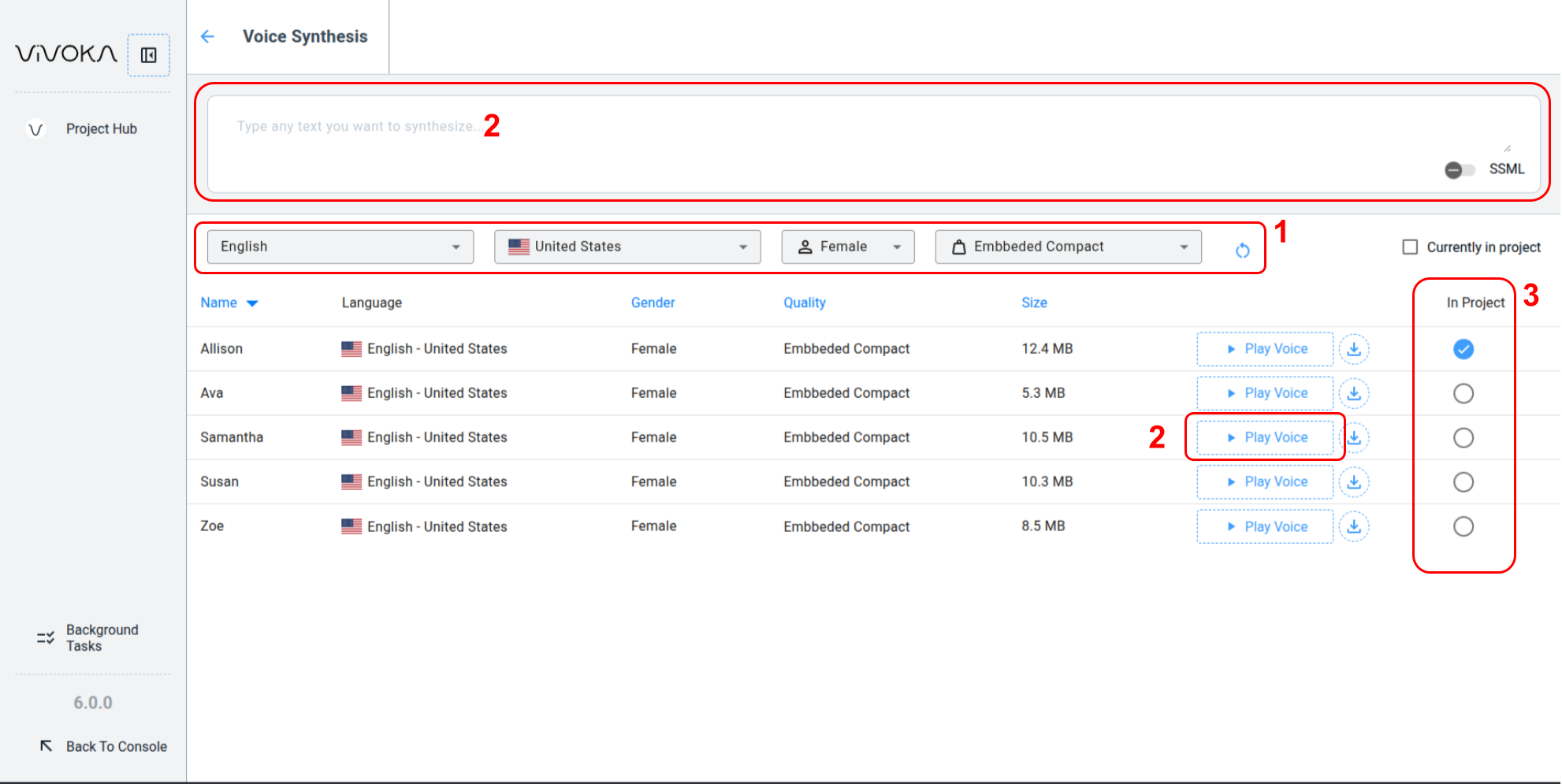
We’ve included several screenshots with annotations corresponding to the key elements.
VDK Studio Desktop
Desktop version
VDK Studio Online
Online version
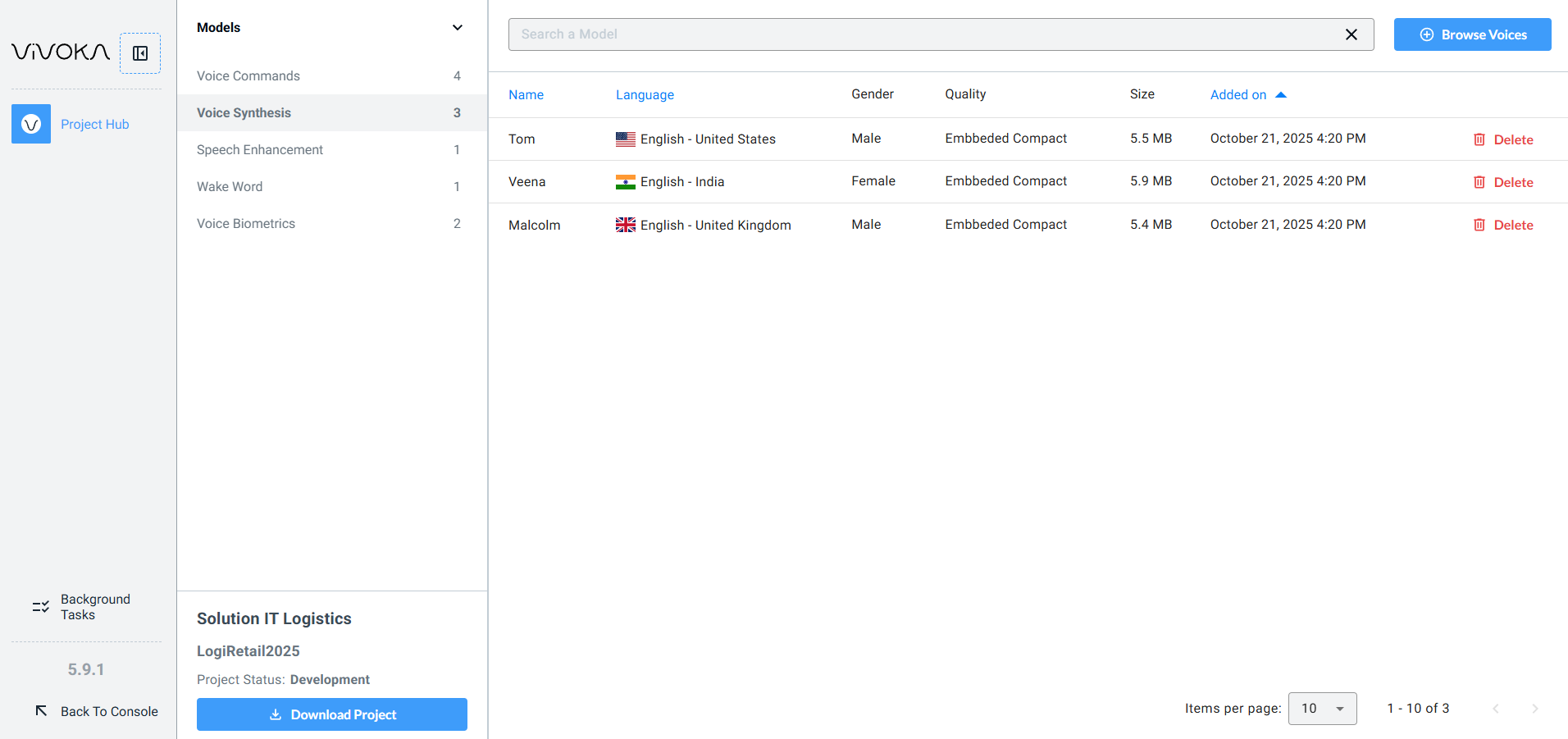
These voices are registered into your projects. You actually tell which ones you’re using at export time (when downloading project)