

Main view
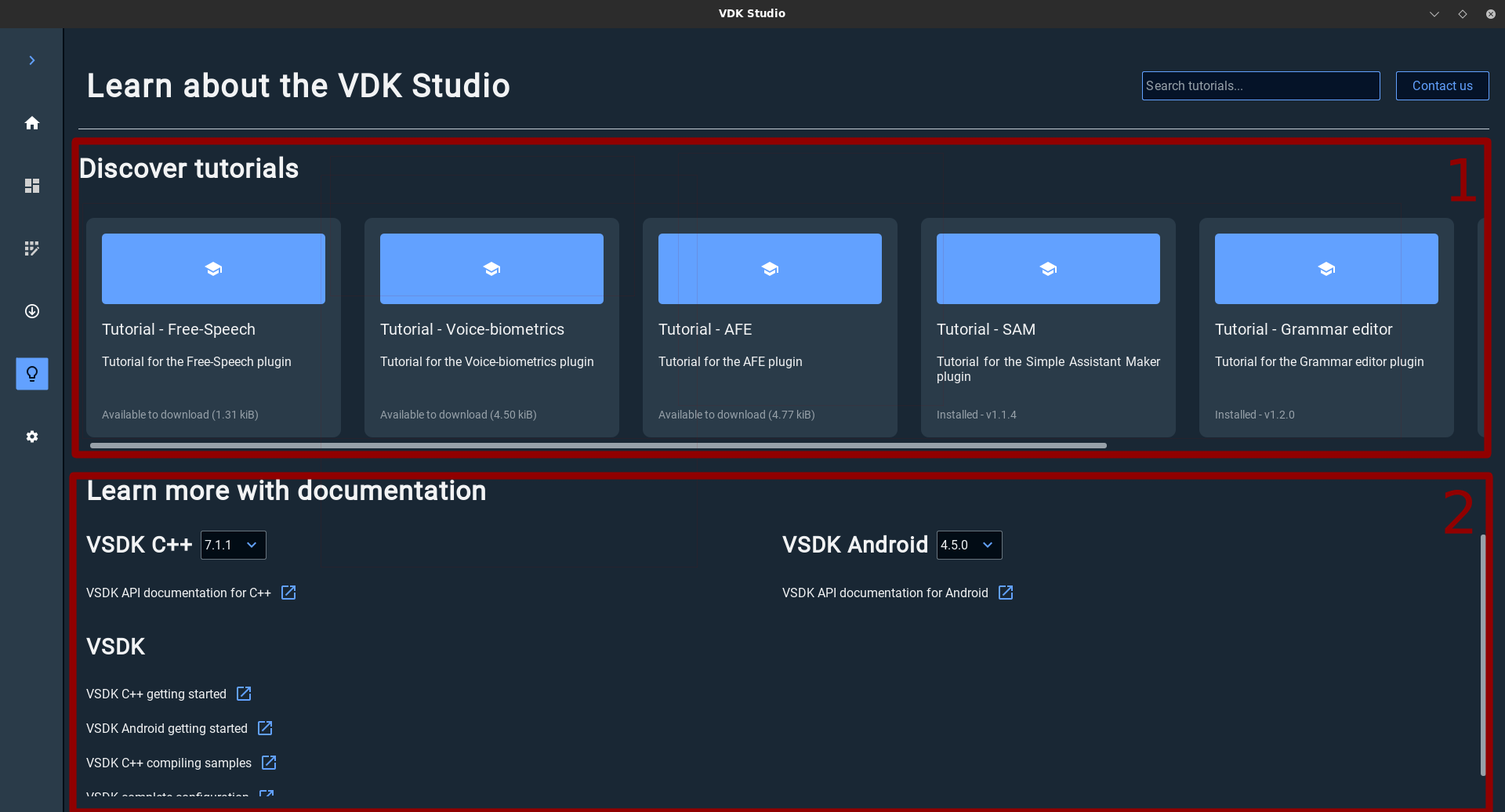
The learn section is composed of two main sections:
-
Discover tutorials: Which contains a list of available quick guides on how to use a specific VDK Studio feature. You can use the search bar to search for a specific tutorial to find it quickly.
-
Learn more with documentation: contains useful links to documentations.
Tutorials
Installation
-
To start using a tutorial, first you need to download it. Start by clicking on the tutorial of your choice.
-
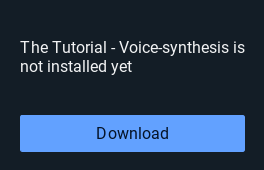
In the popup that appear click on Download.
-
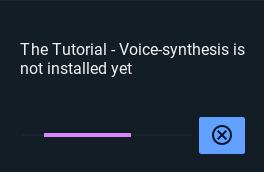
The plugin installation will start just wait it till finish.
-
Once the tutorial is correctly installed it will start automatically. Next time you don’t need to download it. It will start just by clicking on the tutorial.
Tutorial view
-
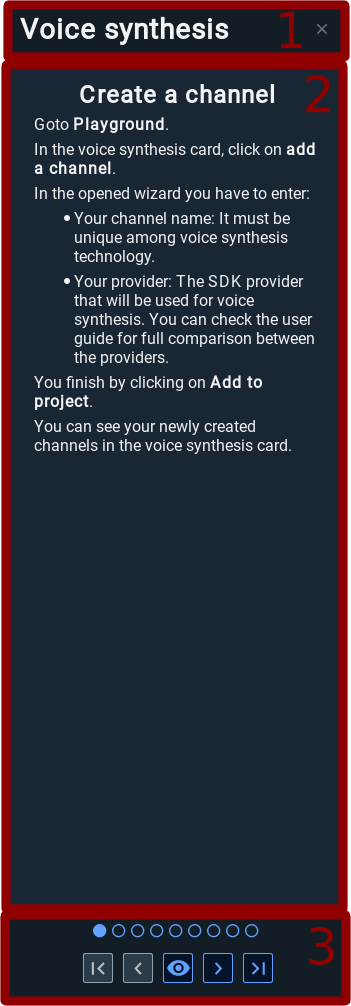
Tutorial name
-
Details about current step
-
Tutorial controller

|
Goto first step |

|
Goto previous step |

|
Focus on object to interact with |

|
Goto next step |

|
Goto last step |