Installation
You should have been provided with a zip file containing everything you need to install the Studio. Once you unzip this file, depending on your operating system and architecture, you will find the file required to proceed with the installation.
Windows
-
Double click on the file ‘vdk-studio_installer.exe’.
-
You should see an installer display like this one:
-
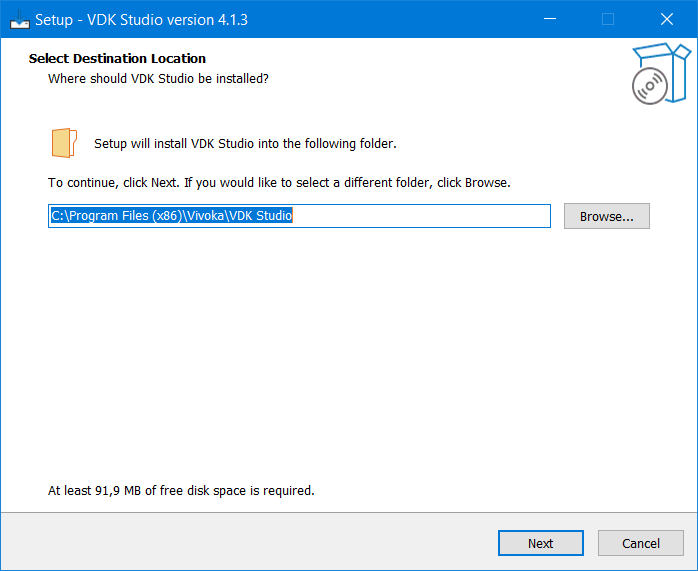
Select destination location where the VDK Studio will be installed
-
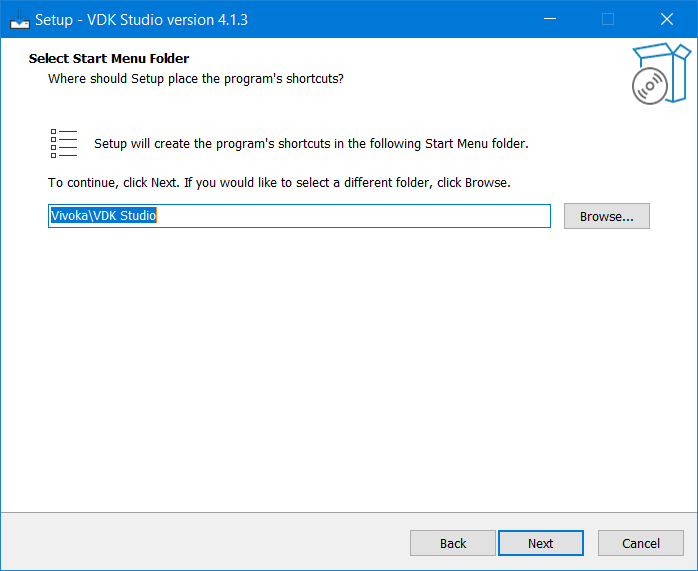
Select the start menu folder
-
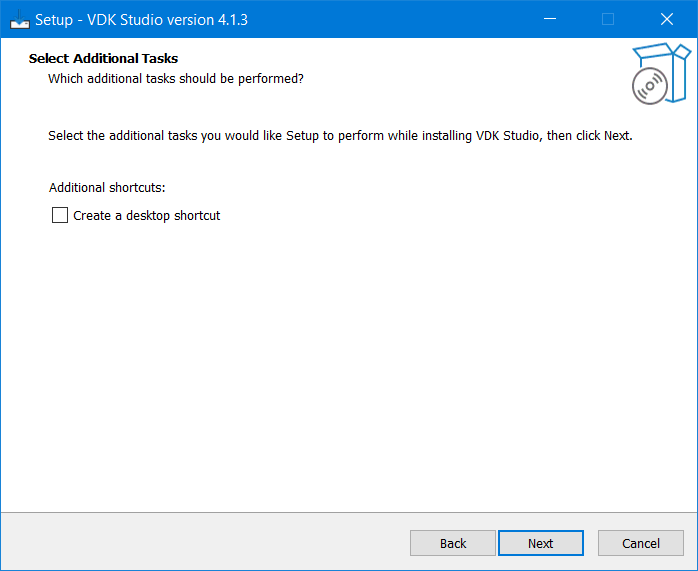
Select additional tasks
-
Click on install to continue the installation.
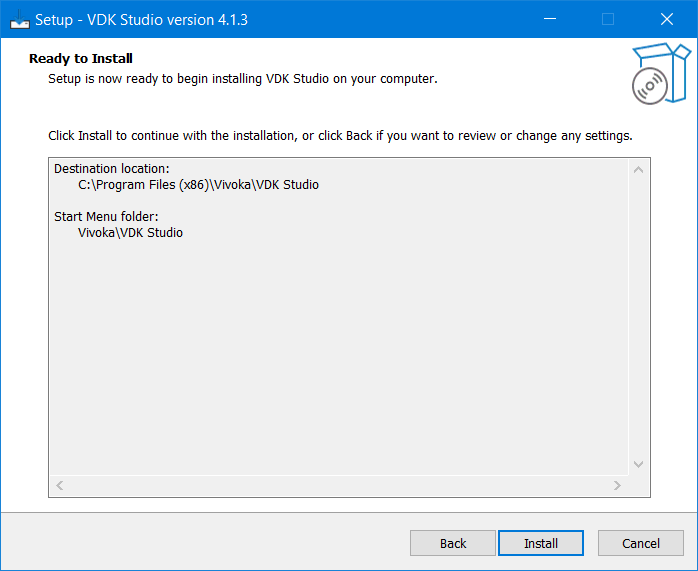
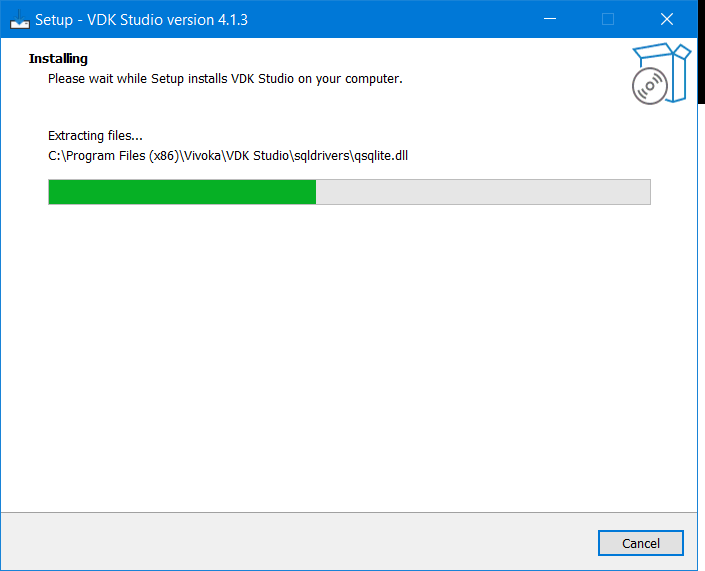
-
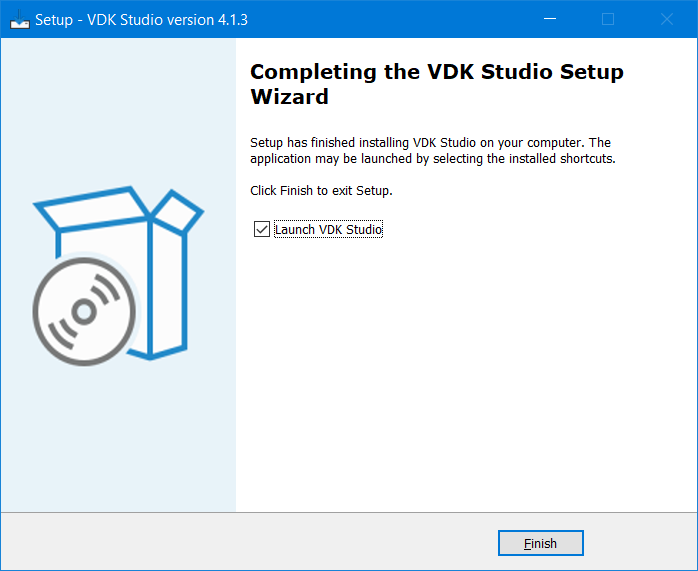
Once you’re done with all the installation steps, you should have the shortcut icon in your desktop to start the studio. If you doesn’t uncheck Launch VDK Studio it will start after you click on finish.
Startup
License key activation
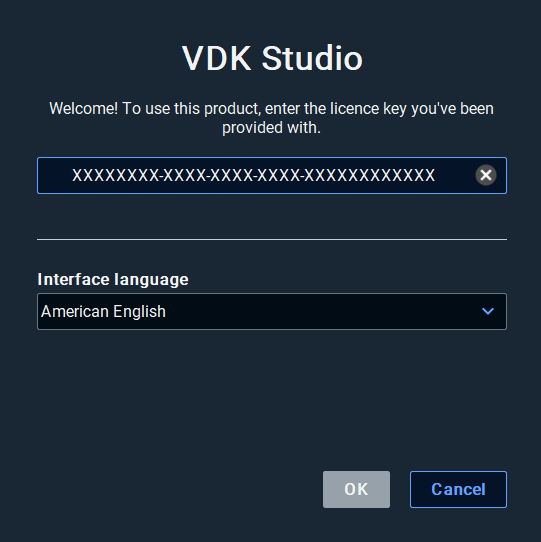
The next step will prompt you with a license key that you should have already received. If this is not the case, please contact us at support.vivoka.com.
Enter the license key, customize the default settings as you please and click Ok:
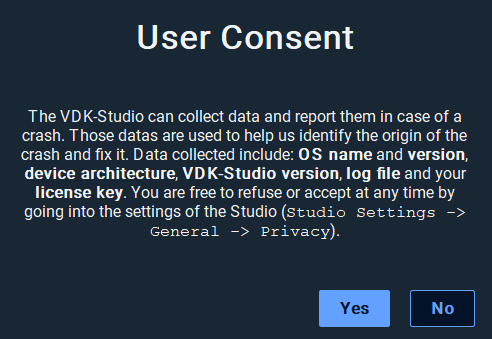
User consent
The first time you launch the Studio, you will be prompted about User Consent:
First launch of VDK Studio
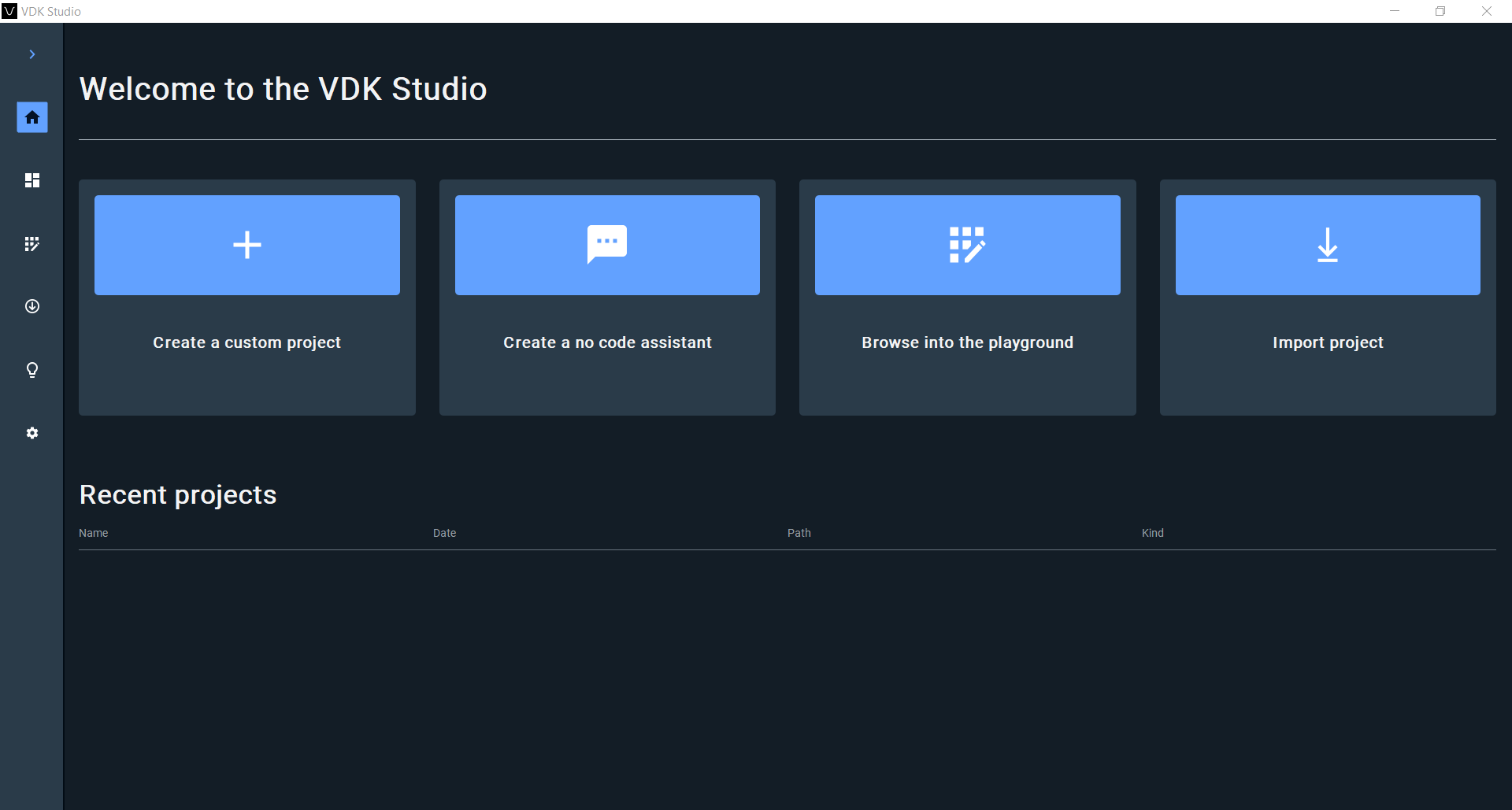
The first time you launch VDK Studio, you will have to choose whether you want to start a new project, import an existing project or browse into the playground.